Screen settings
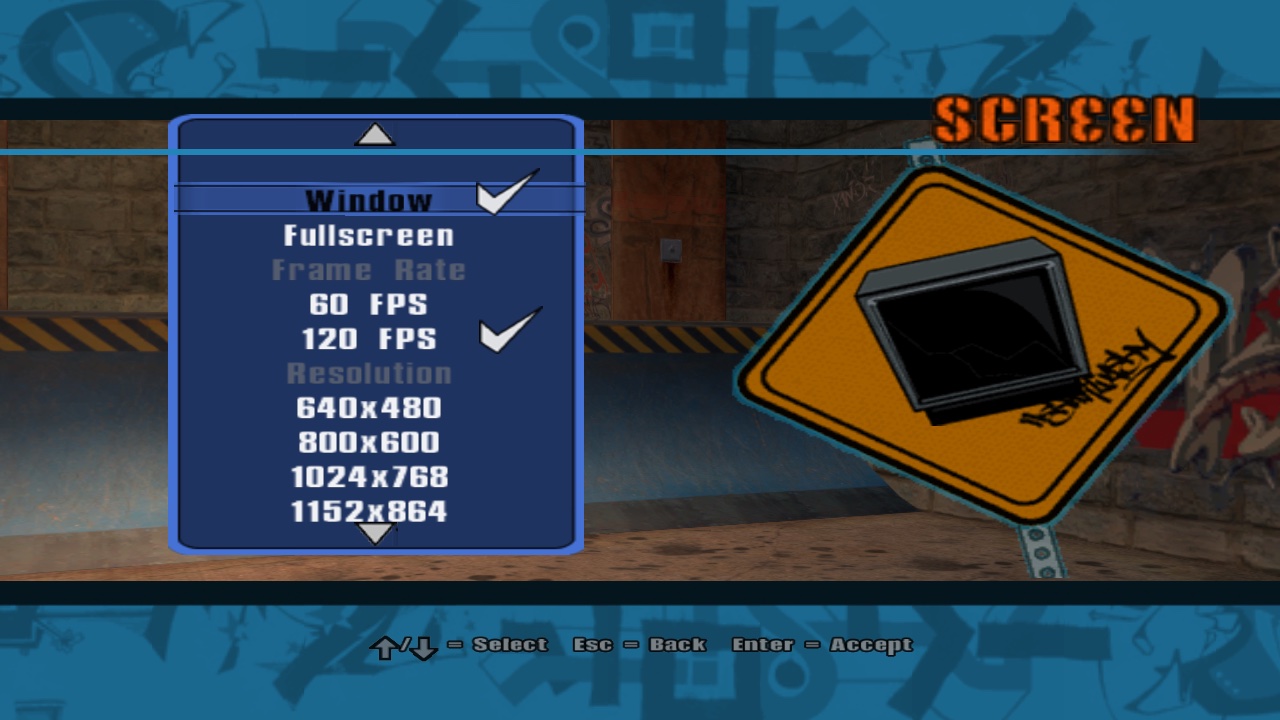
Game Options › Screen: window or fullscreen, a render resolution, and a 60 / 120 fps limit,
saved to config.ini. Also: how to patch THUG2's menus at all.
1Read config.ini before the window exists
No Spaces, no swoosh animation. Fullscreen is just a borderless window that happens to be very large.
2Render at the chosen size, letterbox the rest
The render resolution no longer follows the window. The present pass fits the backbuffer into the drawable, keeping its aspect ratio, and clears the bars to black.
3Patch the retail scripts (the trick behind every menu here)
THUG2's scripts come compiled and packed in pre/qb_scripts.prx, and the port never edits them.
Instead, after any .qb loads, a matching scripts/patches/<path> is parsed on top. Its symbols
are registered under the original file name, so level unloads take the patch with them and reloads re-apply it.
The patches are QScript source in Scripts/patches/, compiled for THUG2 by qb
when the game is built (see Scripts):
4Expose C++ to the menu
Three script functions: read the settings, list resolutions that fit the screen, apply. Registered in
ftables.cpp like the retail ones.
5Build the menu in QScript
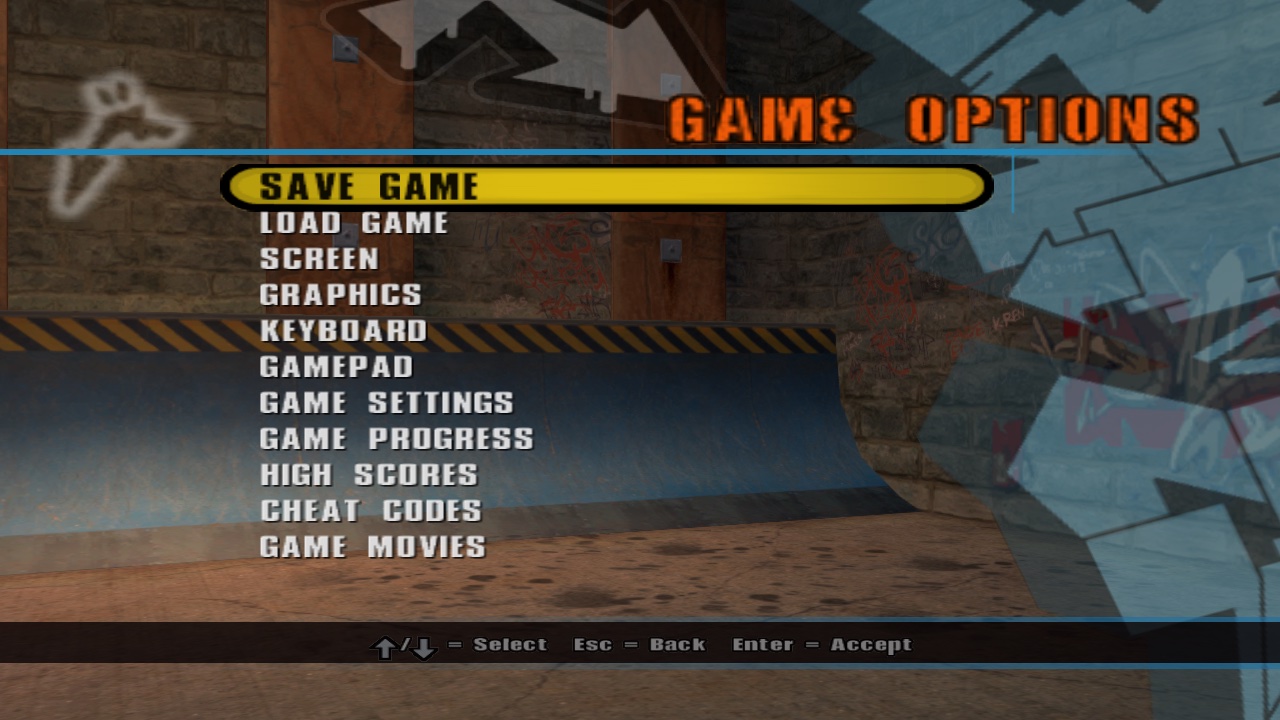
Two patches. levels/mainmenu/mainmenu_options.q rewrites the wheel's Game Options to add Screen,
Graphics, Keyboard and Gamepad after Load Game; scripts/game/menu/gamemenu_options.q does the same for the
pause menu's Options and holds the menus themselves, built from THUG2's own menu pieces (the round bars, the road sign
on the right). Chapter 4 has the story.
fullscreen = screen_menu_fullscreen passes a global by name, and CStruct::GetInteger quietly resolves it. QScript is weird. QScript is wonderful.
660 or 120 fps without breaking the physics
The limiter uses the high-resolution counter, sleeps while there's time and spins for the last 2 ms. Game logic already scales by frame time, except for two spots that assumed 60.
At 120 fps the manual balance drifted twice as fast. The skater was fine. My thumbs were not.