Installation
How to build the game from source, run it against your own THUG2 PC data, and pack a double-clickable app in a disk image. On a Mac you can build for all three systems: macOS, Windows and Linux.
./build-macos.sh and play. Then ./build_dmg.sh for a THUG2.app anyone can drag to Applications.1Get the tools
Xcode Command Line Tools for clang, Homebrew for cmake and ninja (the script installs those two if they're missing).
SDL2, glad, glm and miniaudio are vendored and built from source. The port's menus are script patches, compiled with
qb: on the PATH, as QB=/path/to/qb, or as source in
~/go/src/qb (the build compiles it with Go if it has to).
2Bring your own THUG2
The game needs THUG2's PC Data folder. The scripts look for it next to the repository
(../Data), then in an installed copy (../../thug2installed/Game/Data), or take it as the last
argument. A folder counts as THUG2's when it has pre/qb_scripts.prx, the packed scripts.
3Build
One script: configures CMake with Ninja, builds the game, clones THUG2's data into Game/Data and compiles
the script patches into Game/Data/scripts/patches.
The data copy is an APFS clone. A whole second Tony Hawk game, zero bytes of disk. Apple got one right.
The three executables can share one Game folder, and that folder can be copied to another computer as it
is. Any key or button skips a movie; THUG_SKIP_MOVIES=1 skips them all, and THUG_LEVEL=TR goes
straight to Training.
4Teach the game it lives in an app bundle
Inside THUG2.app/Contents/MacOS/THUG2 the data sits in Contents/Resources/Data. The game detects
the bundle by its folder names and points the data path there. This came over from the THUG1 port unchanged.
Writable things (saves, config.ini) can't go in the bundle: they live in
~/Library/Application Support/THUG2. See How save works.
5Pack the disk image
The script builds the app (icon from macos/icon.png, the retail icon redrawn at 1024), draws the window
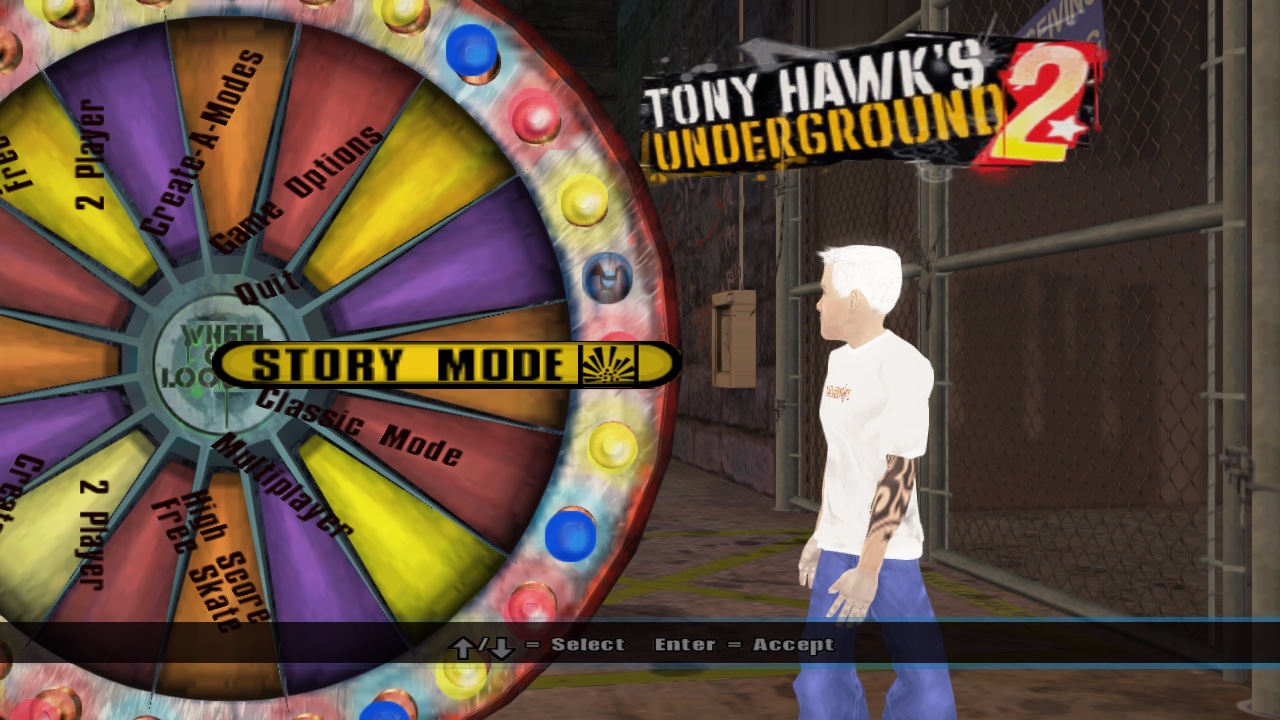
background with macos/dmg_art.swift (THUG2's main menu logo on black) and lays out the Finder window by
scripting Finder, which is why the first run asks for permission to control it. The Windows and Linux releases come
from build_dist_win.sh and build_dist_linux.sh; chapter 2
tells how the art was made.
If Finder asks whether Terminal may control it: yes. It's moving two icons, not your bank account.