Online play
GameSpy switched off in 2014 and took THUG2's online mode with it. The menus never left: the logo, the
lobbies, the homie list, the pager. The port plugs them into a small service of its own,
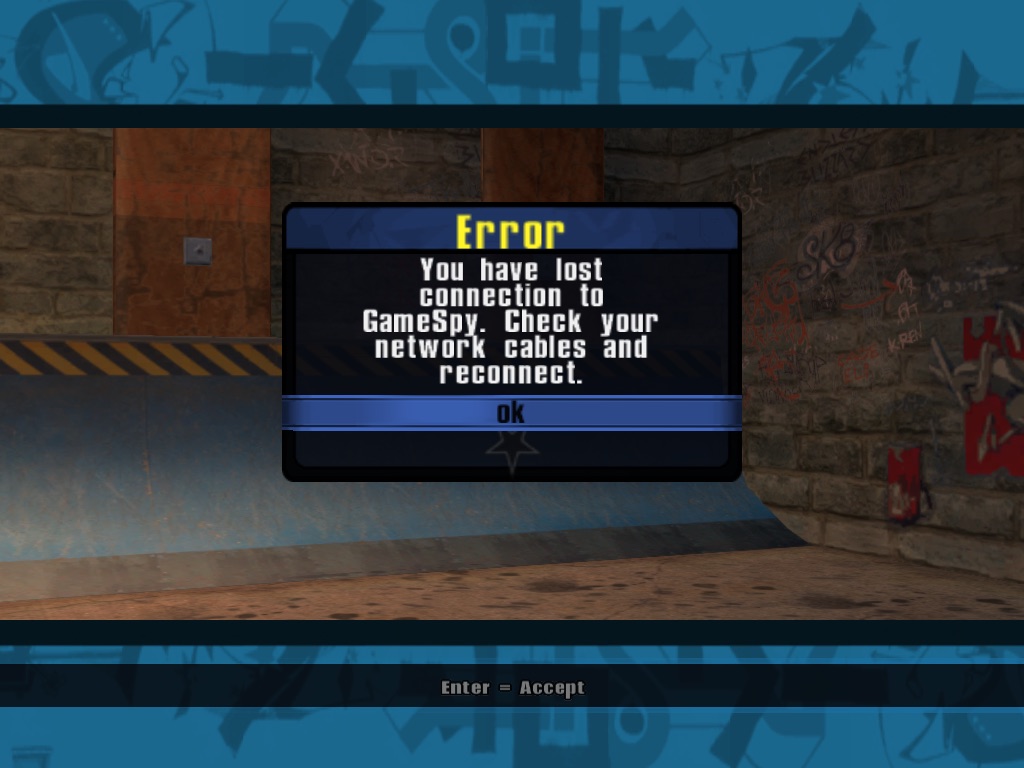
online2.epicmaxim.net, and the retail screens work as they did in 2004, down to "You have lost connection
to GameSpy".
1Going online
From the main menu wheel: Multiplayer › Online Play, pick a skater, then Ready on the THUG 2 Online screen. The game fetches the message of the day, asks to make a profile (an email and a password, created the first time you log in, like GameSpy did), and lands on Internet Options.
- INReadyTHUG 2 Online screen
- 01MOTDGET /v1/hellomessage
- 02ProfilePOST /v1/session/loginyou
- 03StatsGET /v1/stats/merating
- 04Lobby/v1/lobbies, /v1/lobby/joinchat
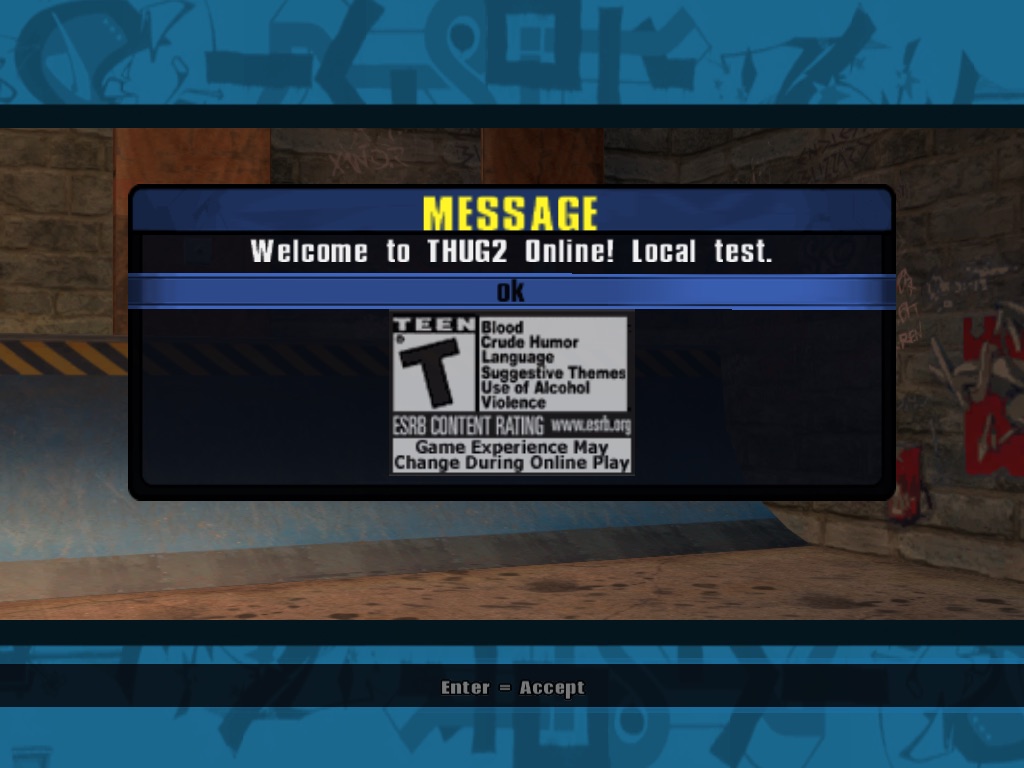
motd.txt (this one from a local test server).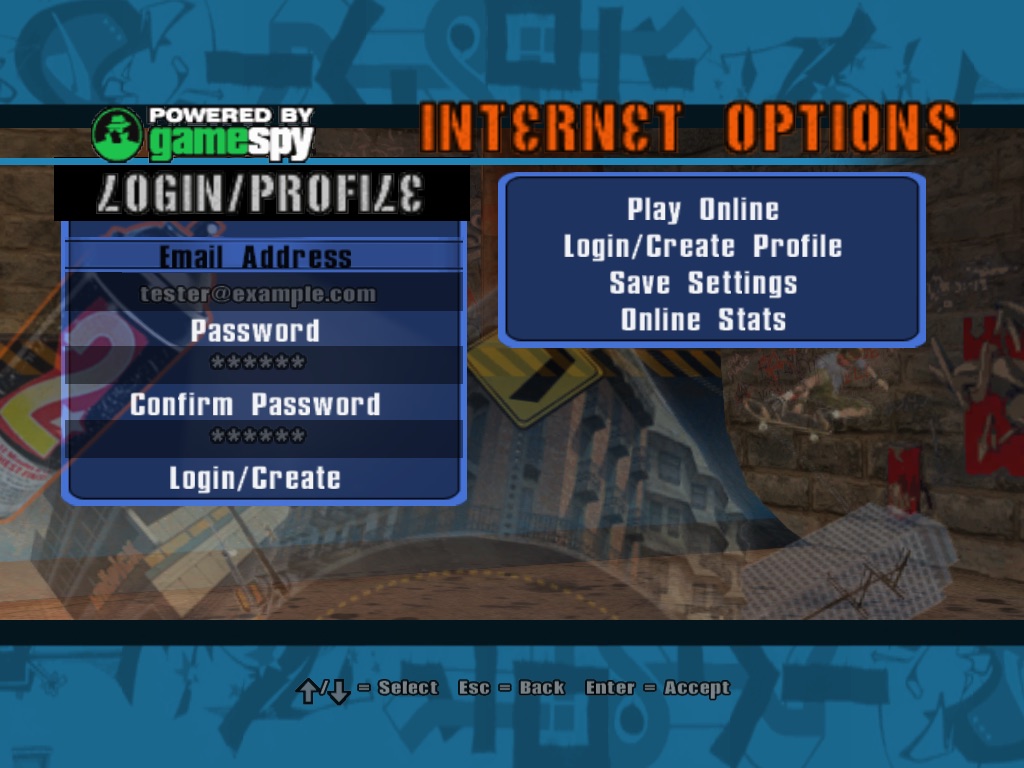
Without a profile you can still play as a guest, but homies, the pager and the stats need one.
2The lobby
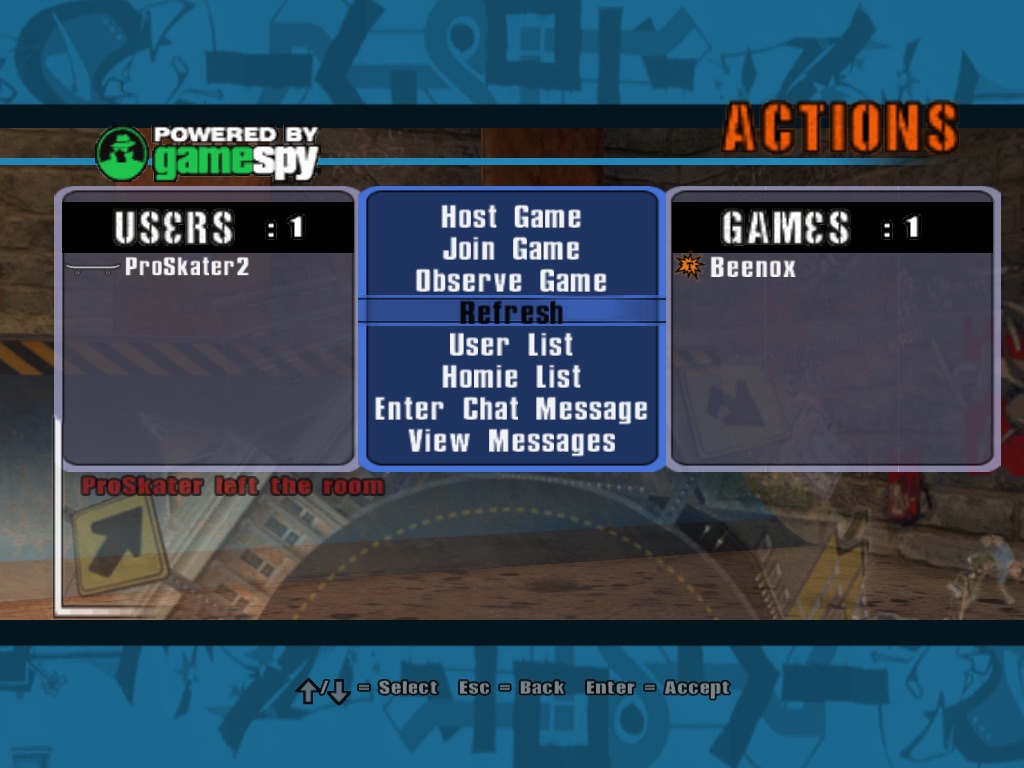
Play Online lists the regions (North America, Europe, Asia / Oceania, South America, and Beginners for ratings up to 1200). Inside one, the Actions menu has it all:
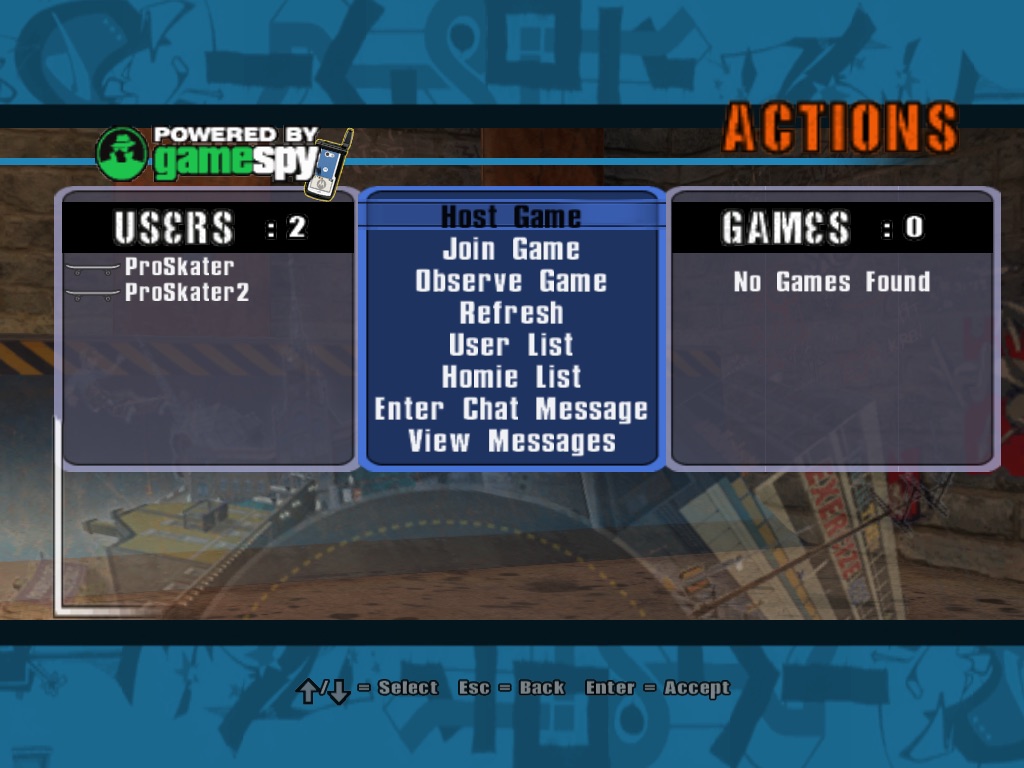 1Powered by GameSpy. Still. Nobody had the heart
2The pager: a homie sent you a message
3Everyone chatting in this lobby
4View Messages: THUG2's pager, new since THUG1
5Games hosted in this lobby
1Powered by GameSpy. Still. Nobody had the heart
2The pager: a homie sent you a message
3Everyone chatting in this lobby
4View Messages: THUG2's pager, new since THUG1
5Games hosted in this lobby
- The GameSpy logo is part of the retail screen and stays.
- The pager icon pops up when a homie messages you.
- Users: pick one in User List to add them as a homie.
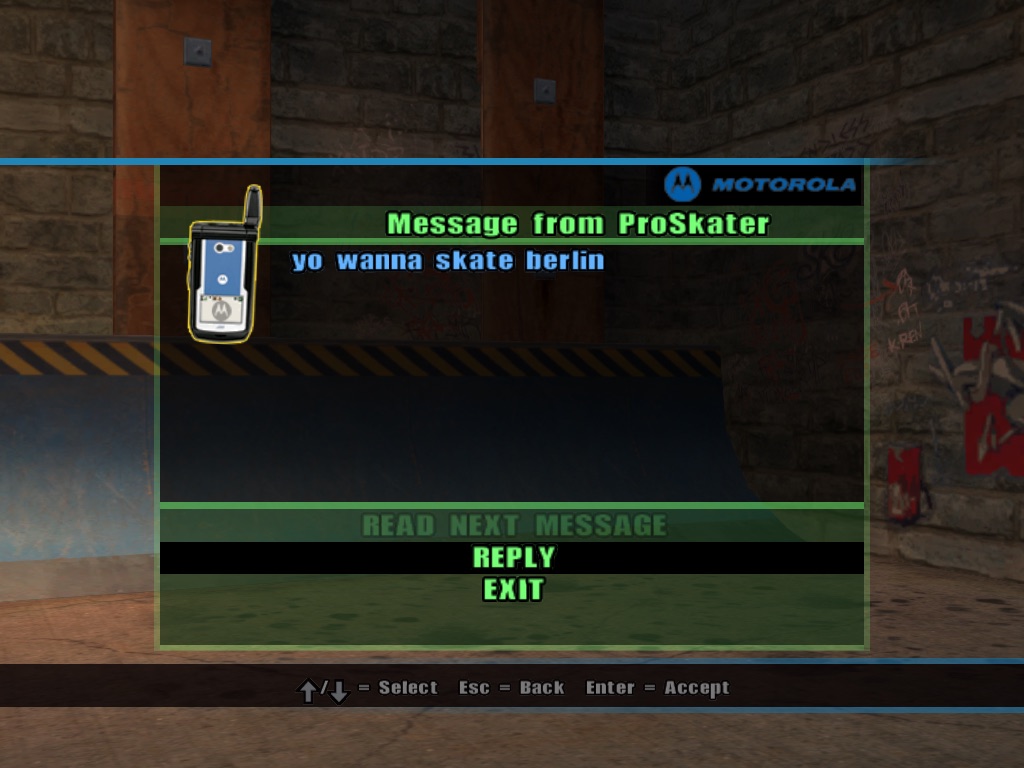
- View Messages opens the pager: read, reply, next.
- Games: Refresh, then Join Game or Observe Game.
3Homies and the pager
Homie List shows your homies, where they are and what they do ("Chatting : North America"). Pick one to send a message: it goes to them if they're online now, and they can reply even if you aren't on their list yet. Messages aren't kept for later: an offline homie doesn't get it, as with GameSpy.
4Host, join, play
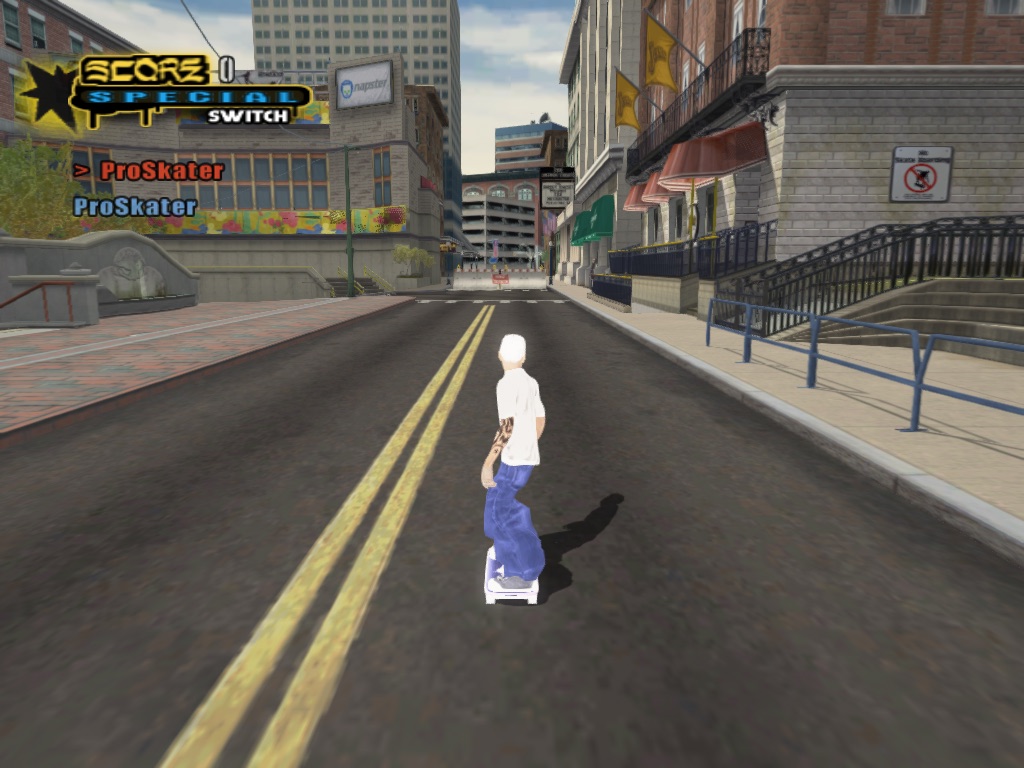
Host Game takes you through Host Options (name, level, players, skill, rank restriction, password) and straight into the level; the game shows up in the lobby's list. Join Game connects to it. Neither side needs to open ports: before the join, the service tells each side where the other one is, and both send a few UDP packets to each other, which opens the way through most home routers.
- INHostposts the game
- 01RegisterUDP nat2.epicmaxim.net:27902both
- 02JoinPOST /v1/nat/connectyou
- 03Punchhost and player ping each otherUDP
- 04Skatethe game's own netcode, as on a LANgo
5Ranked games and Online Stats
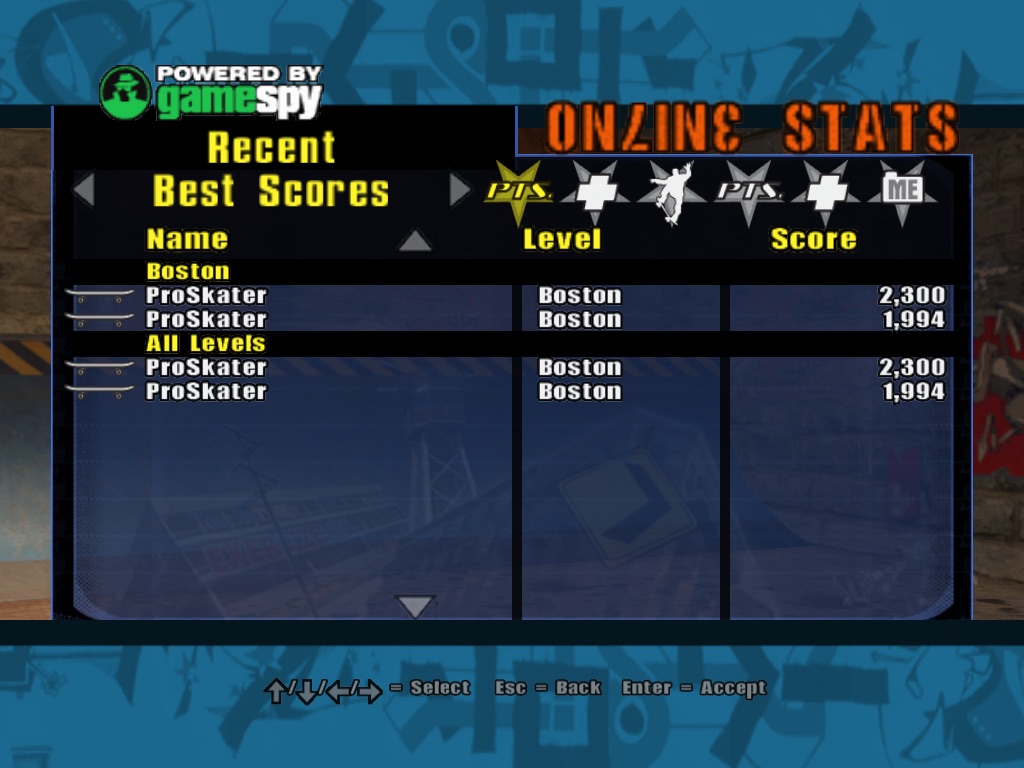
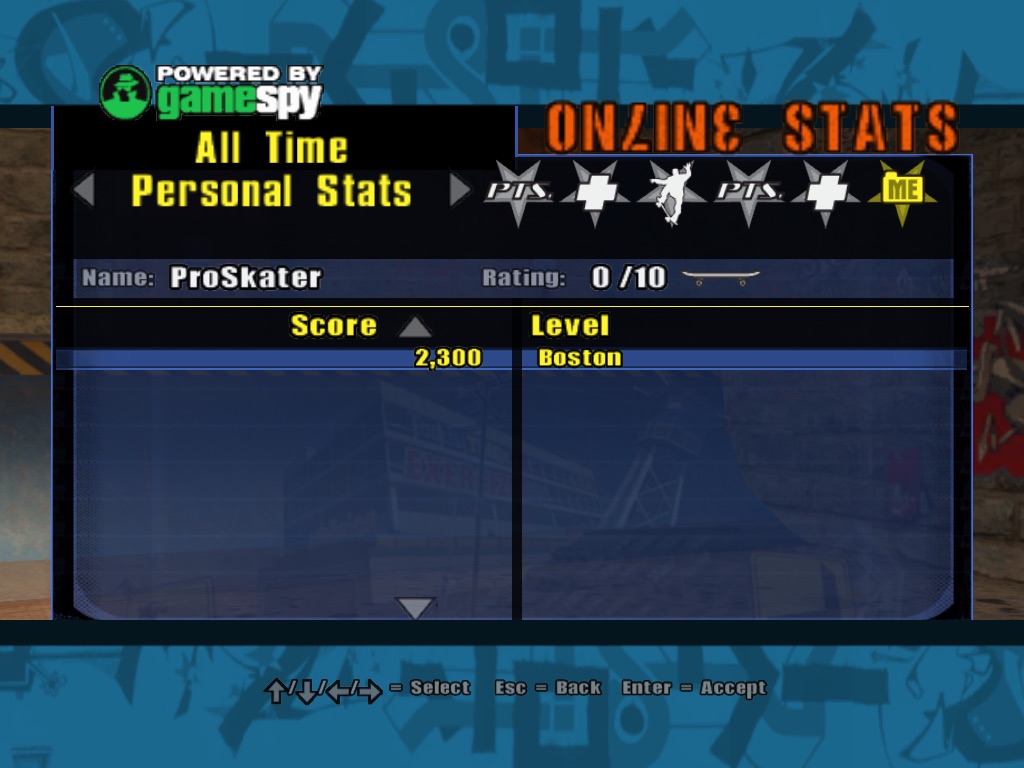
A game counts when it's on one of THUG2's 15 levels (Training, Boston, Barcelona, Berlin, Australia, New Orleans, Skatopia, Pro Skater, The Triangle, School, Philly, Downhill Jam, Los Angeles, Canada, Airport), with no cheats. Each player with a profile confirms they're in it; the host reports the final scores. Online Stats then has the best scores and combos, all time and this month, the top players, and your own bests.
| Rating | Up to |
|---|---|
| Games played with 2+ players, 10 each | 500 |
| Best score on each level, relative to that level's best | 15 × 100 |
| Best combo on each level, the same way | 15 × 100 |
| Total, shown as rank 0–10 | 3500 |
6Another server
The game connects to https://online2.epicmaxim.net. A test server goes in config.ini
(Game/config.ini for a dev build, ~/Library/Application Support/THUG2/config.ini for the app):
The built-in address is the CMake option THUG2_ONLINE_URL; -DTHUG_ONLINE=OFF builds the game
without online play. The service is its own repository, thug2online (Go, PostgreSQL, one binary behind
nginx), a sibling of the THUG1 port's: same protocol, its own profiles, its own levels.
When it goes wrong
| You see | What happened |
|---|---|
| "You have lost connection to GameSpy" | The session ended: the service restarted, or the connection dropped for a while. OK, then Ready again. |
| The message of the day never comes | No answer from the server: the internet, or a wrong [Online] Server=. Cancel works. |
| "The host has quit" | The host left; you're back in the lobby after OK. |
| A homie message goes nowhere | They're offline. Messages aren't stored. |
| Personal Stats look old | They're read at login, as in retail. Change GameSpy Login and log in again. |
The whole story of how this came back, with the bugs: Chapter 7, Lost Connection to GameSpy.